Portable Interactions and Elements
Open-source players, learner tools and item editors for assessment applications. Use the interaction library or build your own question types.
Try PIE
Answer questions, try the tools, or edit an item.
Try a passage and questions with layouts and learner tools.
How PIE
fits
PIE renders and edits items, arranges sections, provides learner tools and reports responses and scores.
Your application manages content, learner accounts, storage, assessment navigation and submission.
Assessment integration guide
Players, tools and authoring
All integrationsQuestions, content and rubrics
Element libraryQuestions in choice, text, math and other formats, plus passages, video and rubrics. Try every sample in the live sample library(opens in new tab).
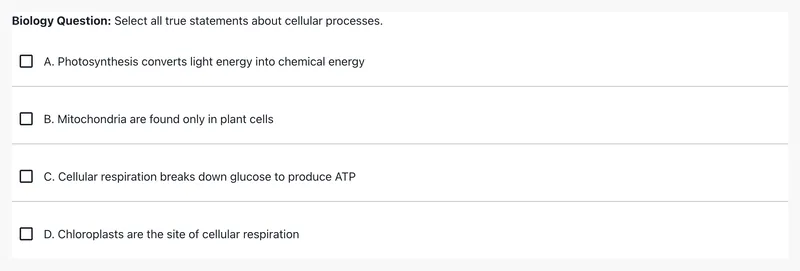
Multiple Choice
Choose one or more answers from a list.
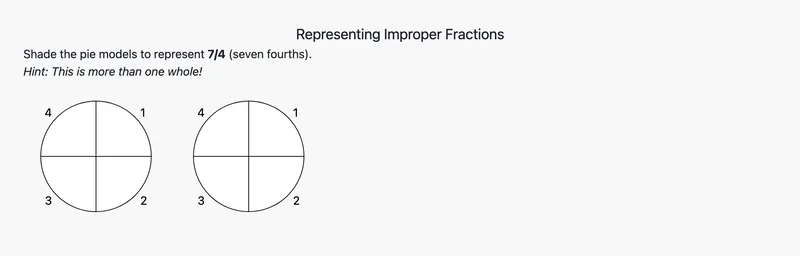
Fraction Model
Shade parts of a model to show a fraction.
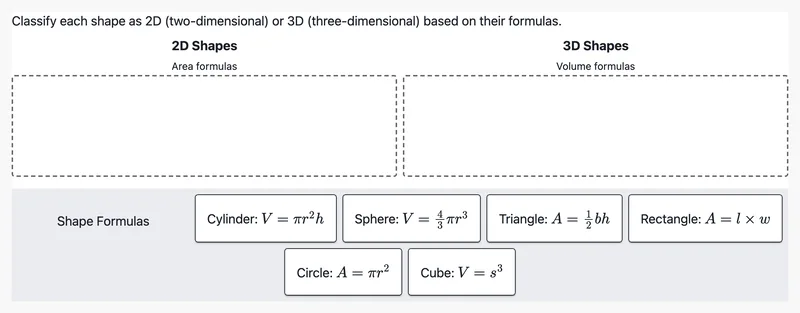
Categorize
Sort items into categories by dragging.
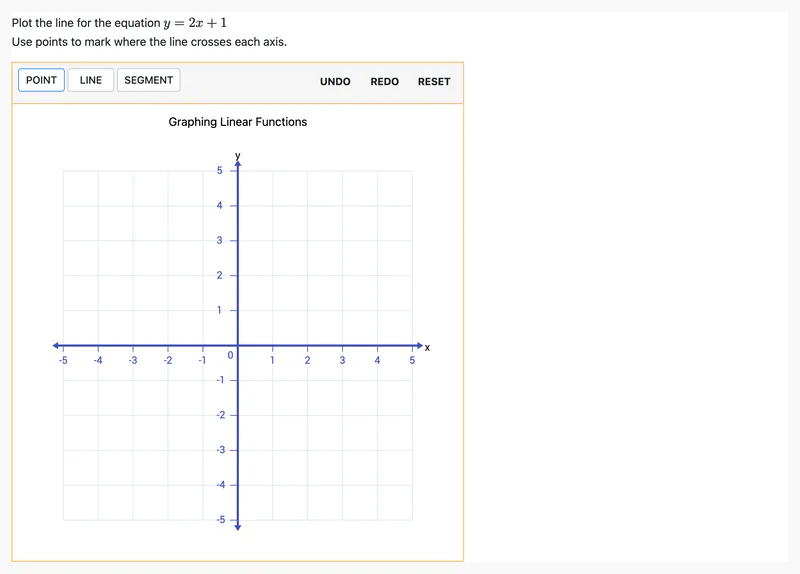
Graphing
Plot points and lines on a coordinate grid.


